Start
Captured trigger input
Manual, schedule, or matching event.
Workflow model
Each run follows explicit steps and branches. A step can execute deterministic JavaScript, start or poll an agent, return a durable wait, or pause for a person. Triggers decide when the graph starts; grants and approvals still decide what its tool calls may do.
Start
Manual, schedule, or matching event.
Deterministic step
Transform, call a granted tool, or select a declared branch.
Open-ended step
Persist the agent run id and resume from its result.
Continue
Pass saved output into a declared branch.
Pause
Persist the pause, then resume the graph with evidence.
Saved definition
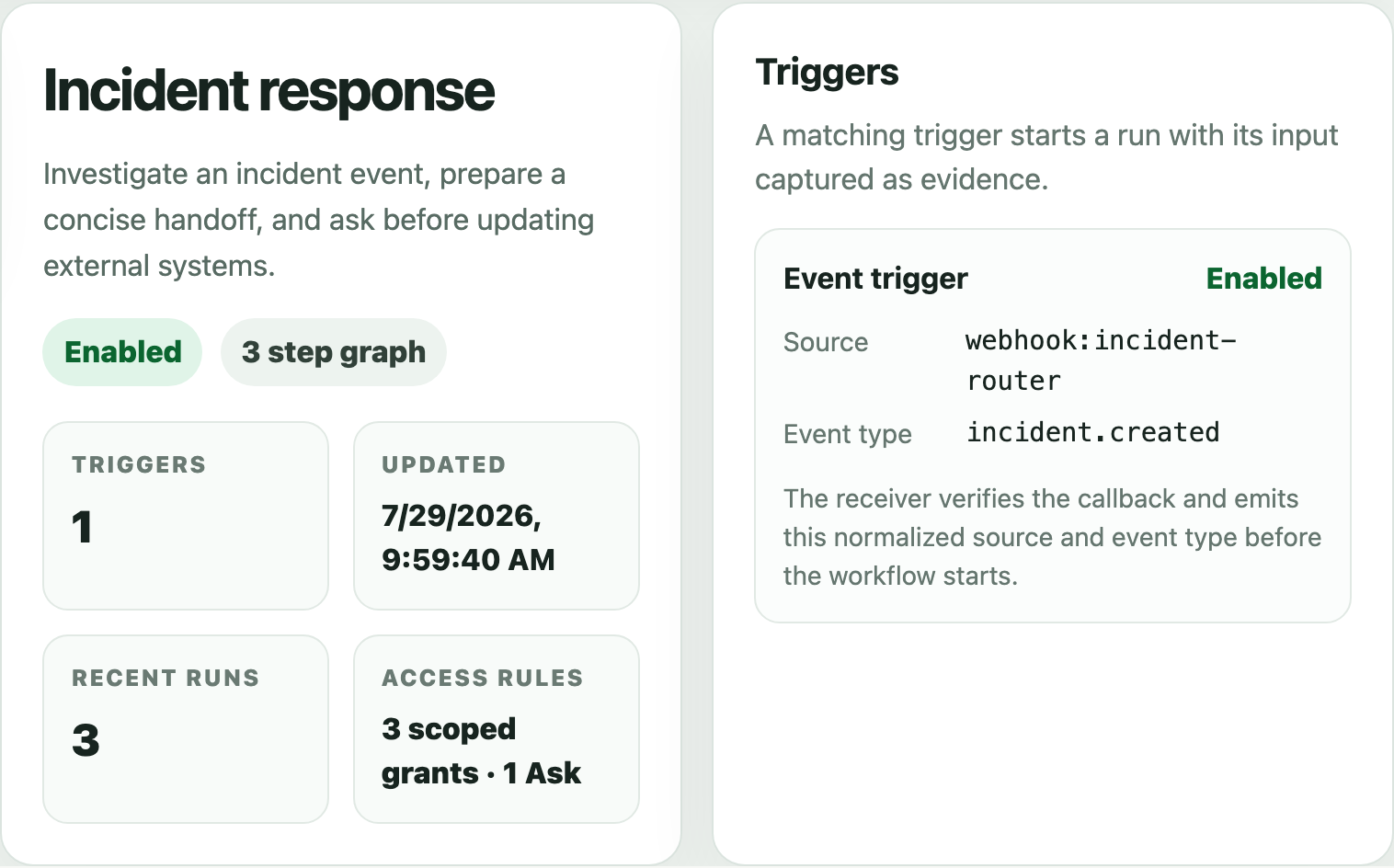
The workflow view keeps the job, starting signal, recent runs, and scoped grants together before you inspect the graph or start another run.
What each run preserves
The run stores the definition and access-policy snapshot it started with, commits progress between graph steps, and keeps outputs, waits, approvals, and linked agent sessions inspectable.
Snapshot
The run keeps its workflow definition, trigger input, and access-policy snapshot even if the saved workflow changes later.
Progress
Successful graph steps and waits persist before the next step begins, so recovery resumes from saved state instead of one long process.
Evidence
Inputs, outputs, step state, waits, linked agent sessions, approvals, artifacts, and failures stay attached to the run.
Examples
Create a workflow
Start manually, on a schedule, or from a supported event. The workflow-building agent can validate and save the definition before you enable or run it.